Adding a Card
There are two ways to add a card on your Taptap Send account. Note, the card must be under your name and can only be used on one account:
- Initiate a transfer: enter the sending amount, tap Next, and follow the flow. The app will prompt you to enter your card details.
- You can also go to the ‘Add card’ following these steps:
- Tap your initials (top-left)
- Go to the section Manage cards
- Click Add a debit card
- Enter card details and tap Save
- You’re done! The card will appear on your payment methods list
Some card issuers may send you a message or ask you to confirm a $1.00 / £1.00 / €1.00 transaction. This is just to verify that your card can be used. You won't be charged for this.
Trouble adding your card?
Deleting a Card
You can remove your card directly from the app by following these simple steps:
- Tap your initials (top-left)
- Select Manage card
- Click the trash icon next to the payment method you’d like to delete
Card Expiration
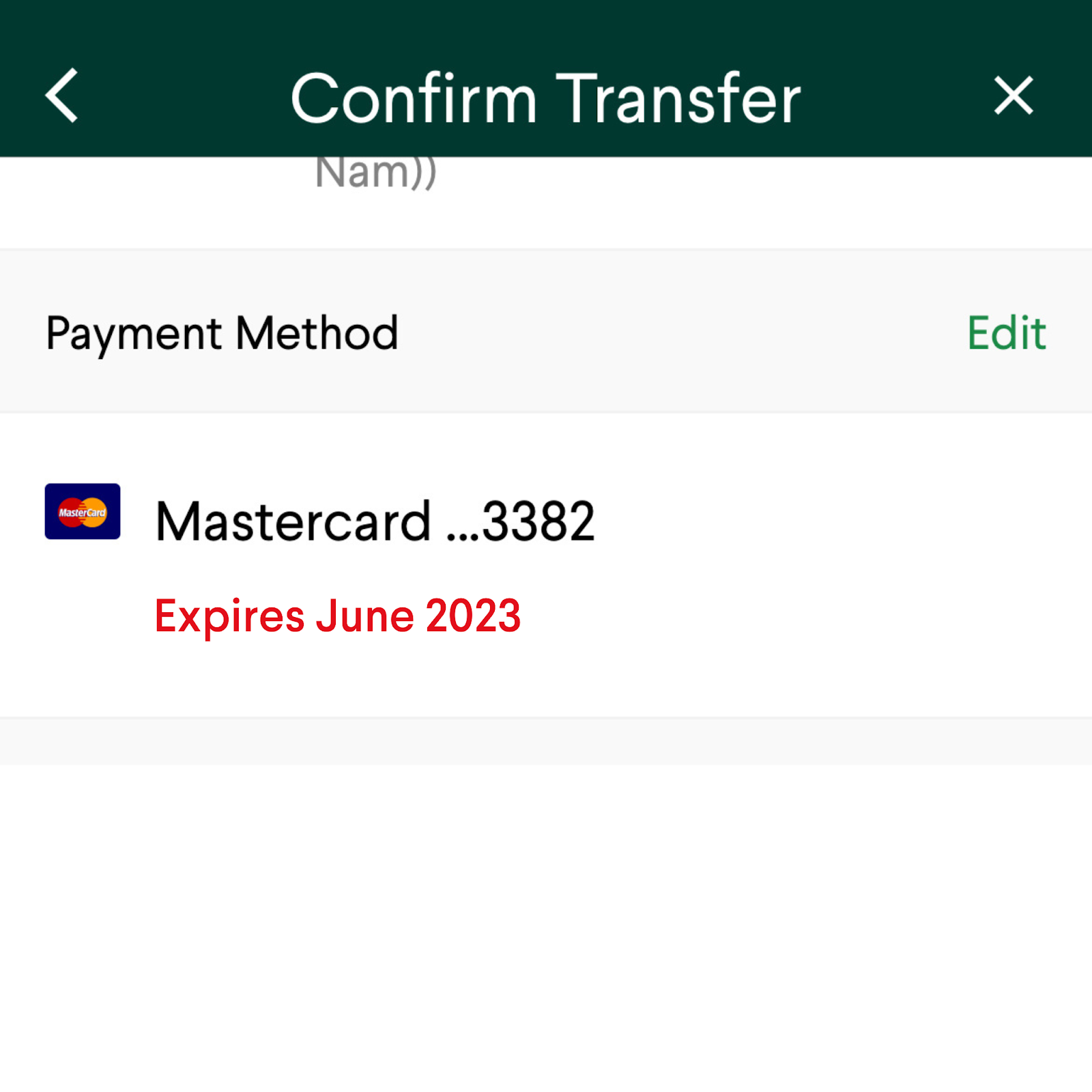
If you are using a bank that expires on the current month, you will not be able to send money using that card. Please try another payment card or add a new card to continue sending money.
Learn more: What cards can I use at Taptap Send?